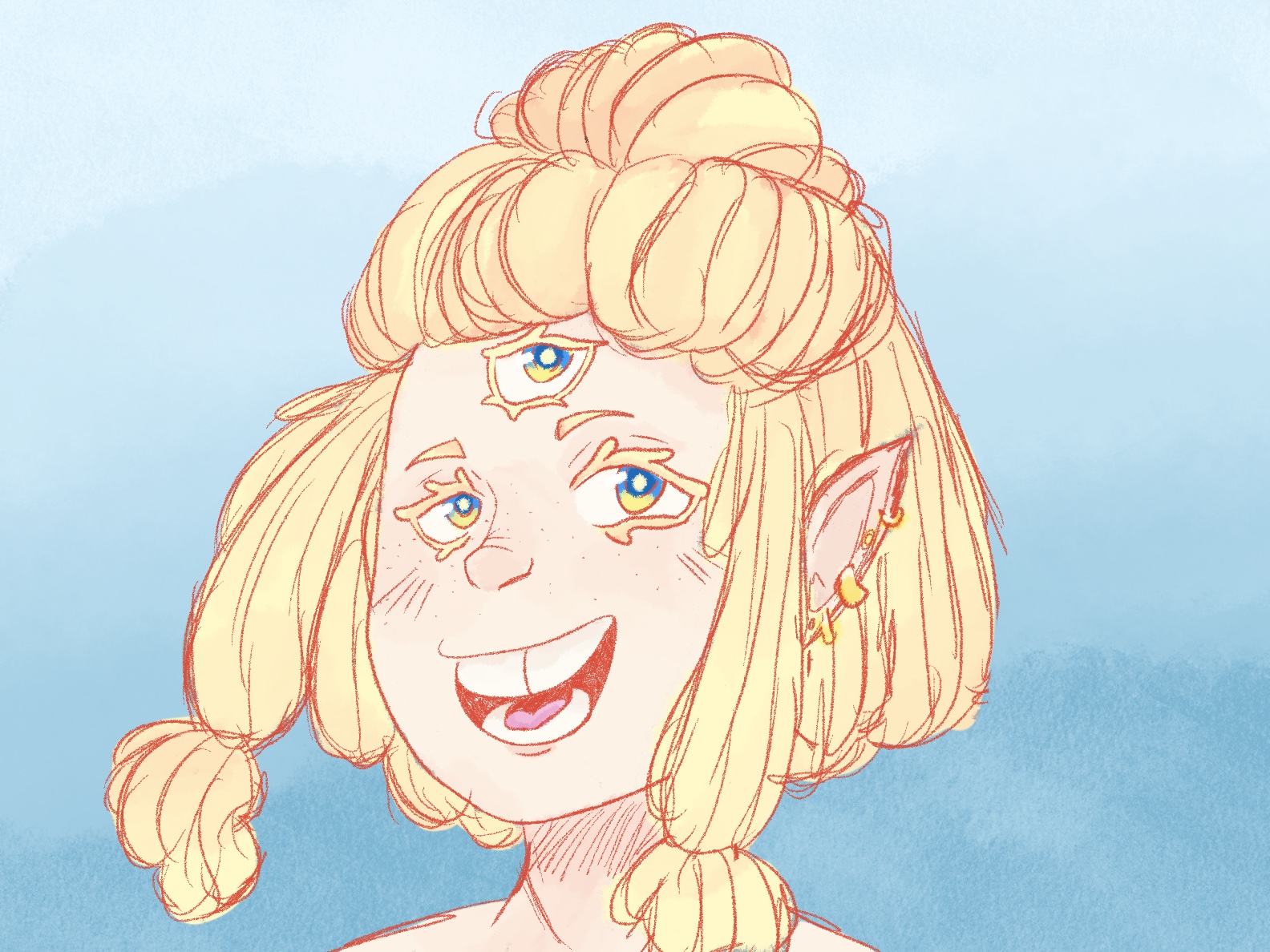
Procreate
This digital illustration was created in Procreate, showcasing a warm color palette contrasted against a cool background for visual balance.
Technique & Tools
- Procreate Pencil: Used to sketch the initial red outline of the character.
- Studio Pen: Applied for clean, solid coloring of the figure.
- Tansy Brush: Utilized for smudging and blending shades on the hair and skin, adding depth and softness.
- Background: A smooth blue gradient was created with the Tansy brush to contrast the warm tones of the character, enhancing overall composition and focus.
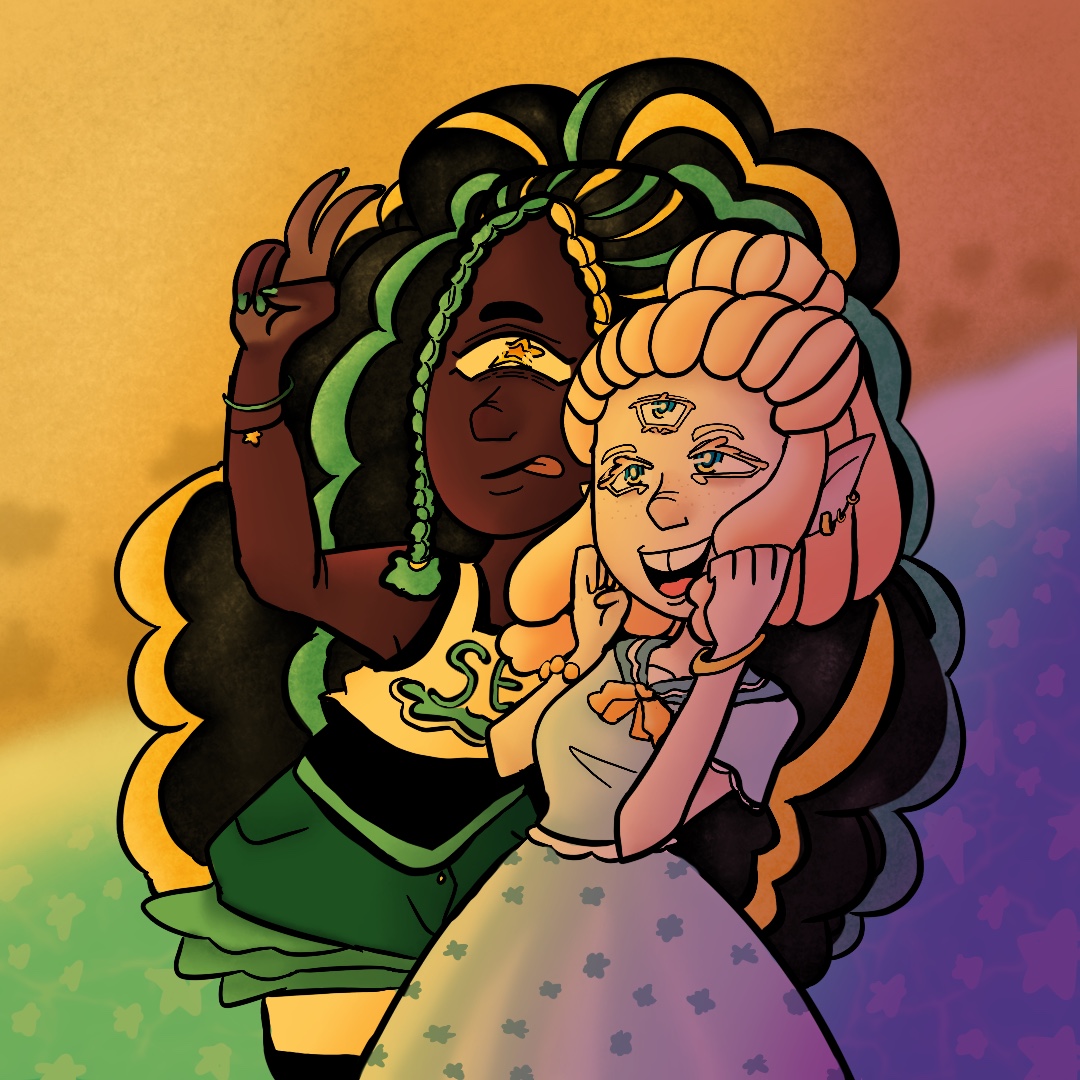
Star Beach
This vibrant Procreate illustration combines bold character design with a dreamy seaside atmosphere.
Technique & Tools
- Studio Pen: Used for precise outlines and solid color fills, including the characters and star motifs scattered across the sea.
- Airbrush: Applied to create smooth gradients and soft shading on both the figures and the background, enhancing depth and warmth.
- 2B Compressed Brush: Added texture to the hair and sandy foreground, giving the piece a tactile, organic feel.
- Color & Composition: The artwork features a rich, multi-hued palette blending warm and cool tones, creating a dynamic and whimsical setting that emphasizes contrast and harmony.
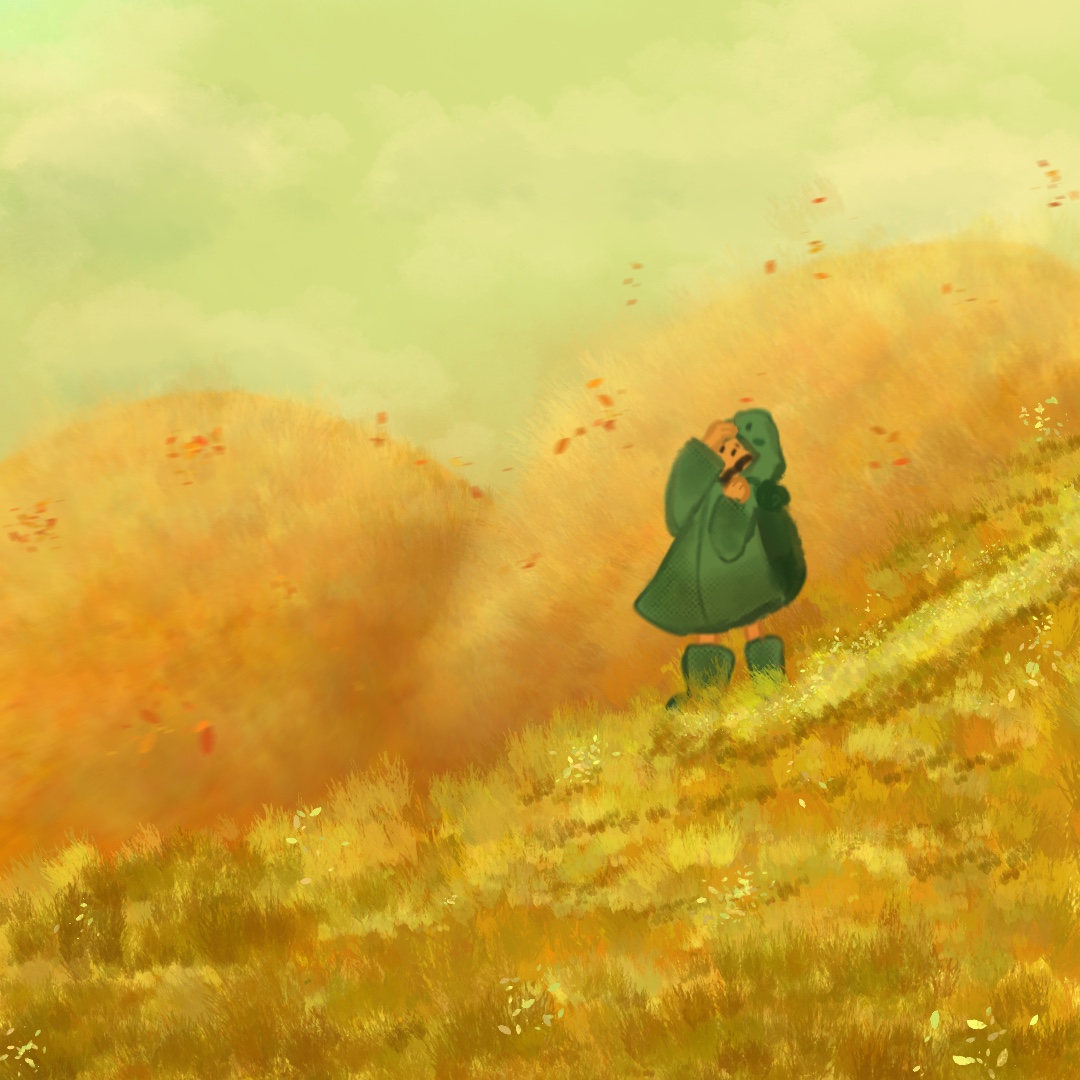
Golden Meadow
This Procreate illustration captures the serene beauty of a sunlit meadow with warm, golden tones contrasted by cool greens.
Technique & Tools
- Flat Brush: Used to render the character with clean, defined shapes.
- Newsprint Brush: Added darker shading and subtle texture to the outfit for depth.
- Wild Grass & Snow Gum Brushes: Applied to create natural hills and meadow textures, adding movement.
- Snow Gum Brush: Also used for delicate petals drifting across the composition.
- Airbrush & Cotton Brushes: Blended soft gradients in the sky, enhancing the atmospheric feel.
- Color Palette: A green hue was chosen for the sky and character to contrast against the warm yellows of the field, creating a harmonious yet striking visual balance.
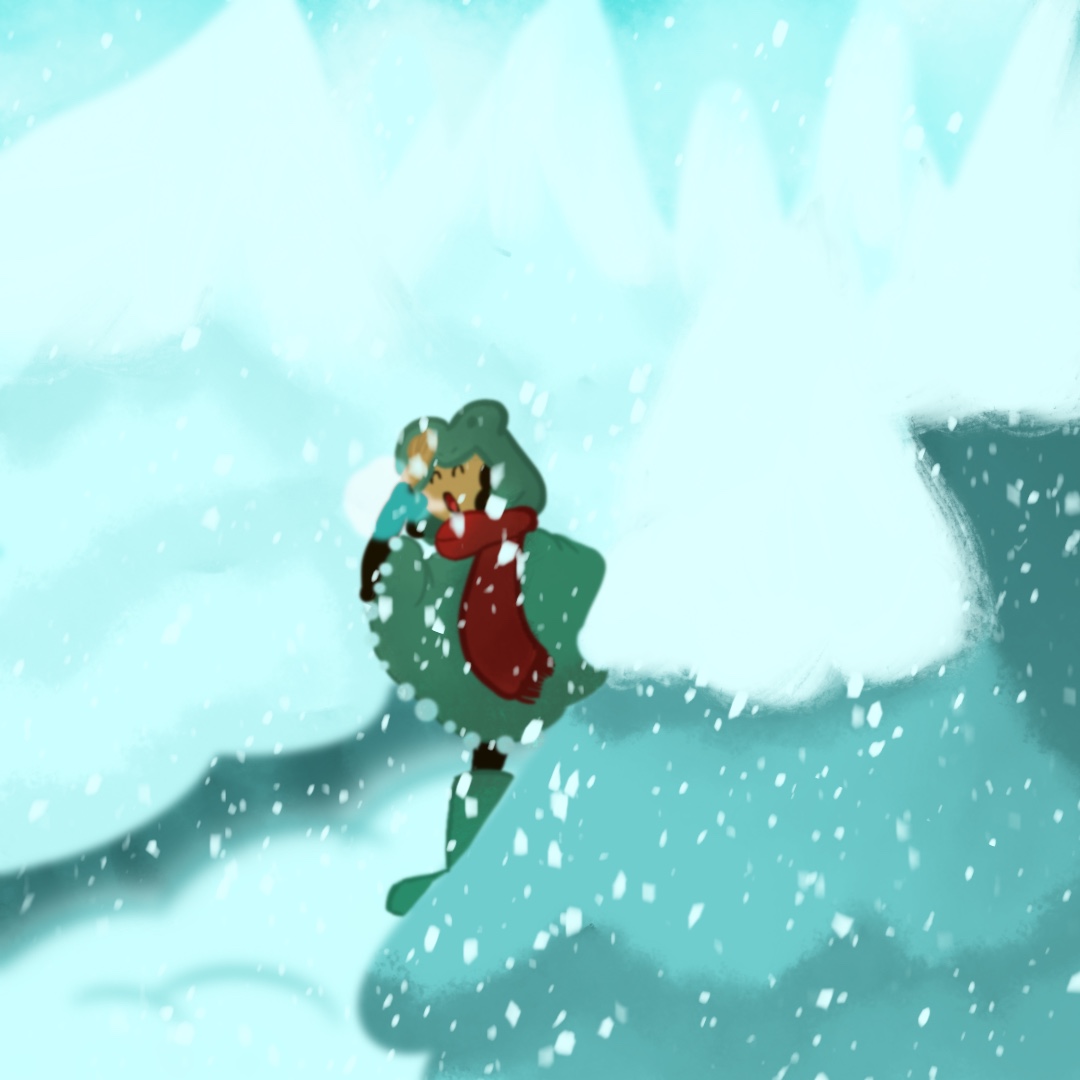
Winter Island
A serene digital illustration capturing the tranquil beauty of a winter forest.
Technique & Tools
- Driven Snow: Created dynamic snowflakes drifting across the composition.
- Airbrush: Applied for soft blending and foggy, atmospheric effects.
- Studio Pen: Added crisp outlines and fine details to forest elements and character features.
- Cotton Brush: Produced soft, feathered textures for snow accumulation and a dreamy winter ambiance.
- Color Palette: Dominated by cool blues and green, reinforcing the winter theme and enchancing the sense of serenity.